Lock Any App.
Protect Your Privacy.
Password protect any app on your Windows.
Keep your data. Keep it private.




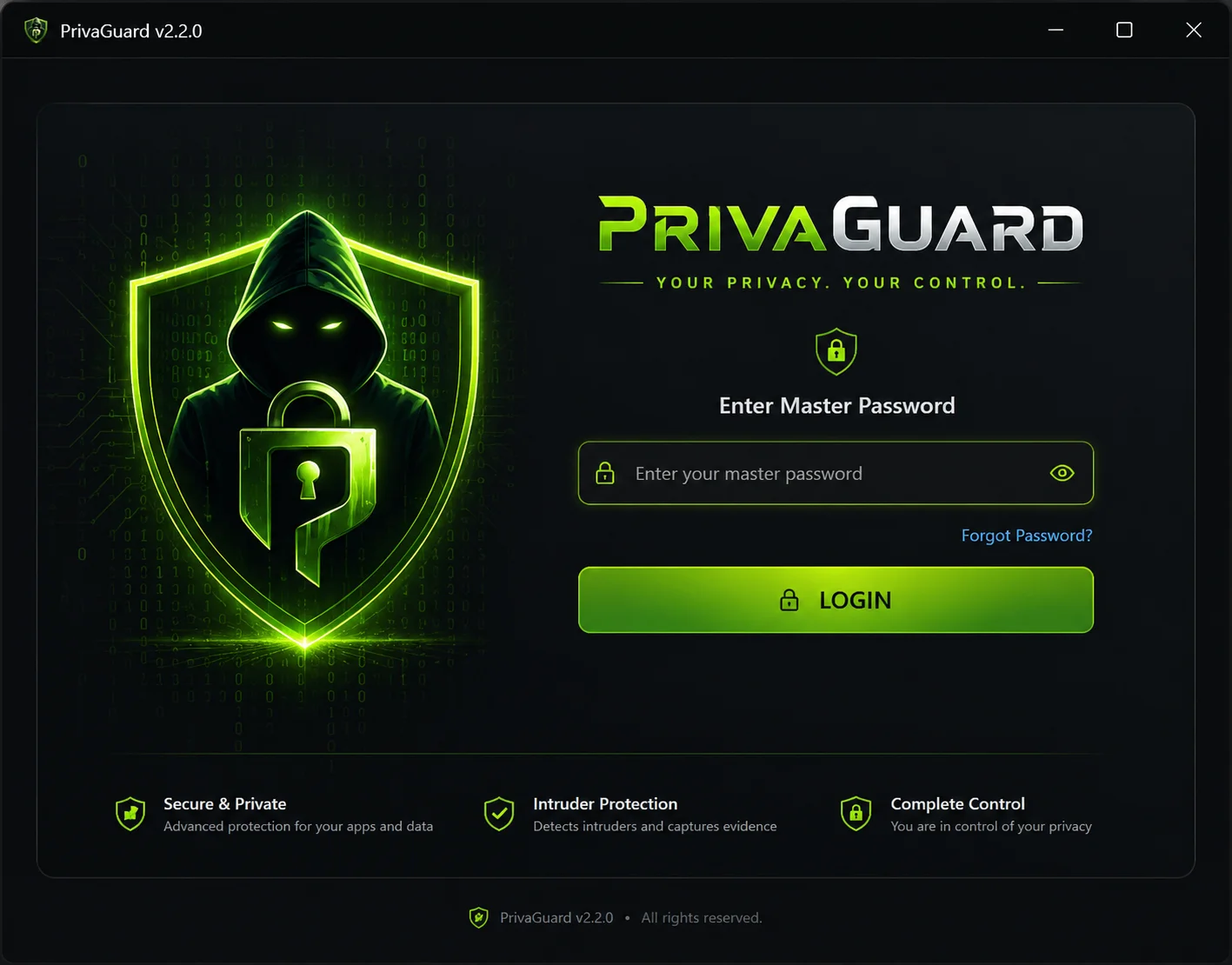
Military-Grade Encryption
Your data is locked down with advanced AES-256 encryption.
Zero Impact
Optimized to run invisibly without slowing your PC.
Smart Intrusion Detection
Instantly catches snoops trying to access your apps.
The moment you walk away, your private life is public.
Leaving your PC unlocked for just 60 seconds is enough time for someone to read your WhatsApp Web, copy your private keys, or snoop through your gallery.
Military-Grade AES-256 Encryption
We don't just hide your folders; we encrypt them. PrivaGuard uses the same encryption standard trusted by governments worldwide. Without your master password, your files are mathematically impossible to crack.
- 100% Offline processing
- No backdoors, no cloud reliance
Catch Snoopers with Intruder Selfie
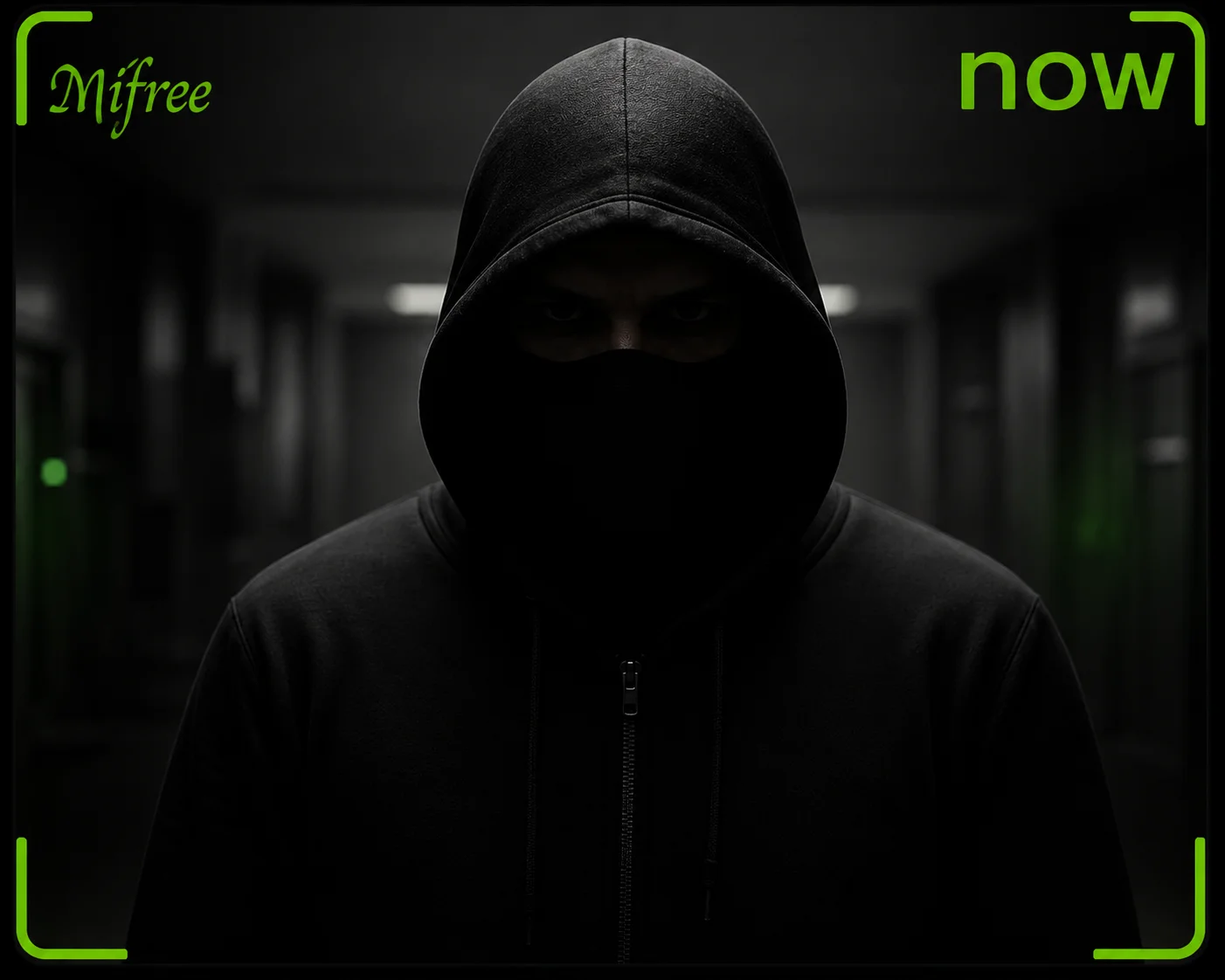
Ever wondered if someone tried to guess your password while you were away? If an incorrect password is entered, PrivaGuard silently snaps a photo using your webcam and logs the exact time of the attempt.
- Silent webcam capture
- Detailed timestamp logs
Unkillable Self-Protection
Smart intruders might try to bypass locks by killing the app from Task Manager. PrivaGuard automatically detects and locks the Task Manager the moment it opens, preventing any unauthorized termination.
- Task Manager Auto-Lock
- Process Shielding
Install
Get PrivaGuard in seconds.
Select
Choose apps to lock.
Secure
Walk away with peace of mind.
Trusted by Professionals
See why thousands rely on PrivaGuard for their daily peace of mind.
"Finally, I can leave my laptop open at the office without worrying about my coworkers reading my WhatsApp Web messages. This app is a lifesaver."
"The intruder selfie feature is incredible. I caught my little brother trying to guess my password. Highly recommend to anyone who values privacy."
"Extremely lightweight. I've used other lockers that slowed down my PC, but PrivaGuard runs invisibly in the background. Worth every penny."
Simple, Transparent Pricing
Pay once, use forever. No hidden fees or recurring subscriptions.
Frequently Asked Questions
Will PrivaGuard slow down my PC?
Not at all. PrivaGuard is written in highly optimized code and consumes virtually zero CPU while idle in the background.
Do I need an internet connection?
No. All encryption and locking happens 100% offline locally on your machine for maximum privacy.
What if I forget my master password?
We do not store your passwords on our servers. You must keep your recovery key safe during setup, otherwise your locked files cannot be recovered.
Is it a one-time payment?
Yes! We hate subscriptions as much as you do. You pay once and get lifetime access and major updates.
Ready to take back your privacy?
Join thousands of users who have secured their digital lives.
Join WaitlistTrusted by over 50,000+ users worldwide